 Cairo 3D
Connect your AI agent to Blender
Why
We want our AI agents doing real work in Blender: building, checking and fixing. A connector lets your agent run commands in your open Blender and see the result, so it can check its own work.
How it works
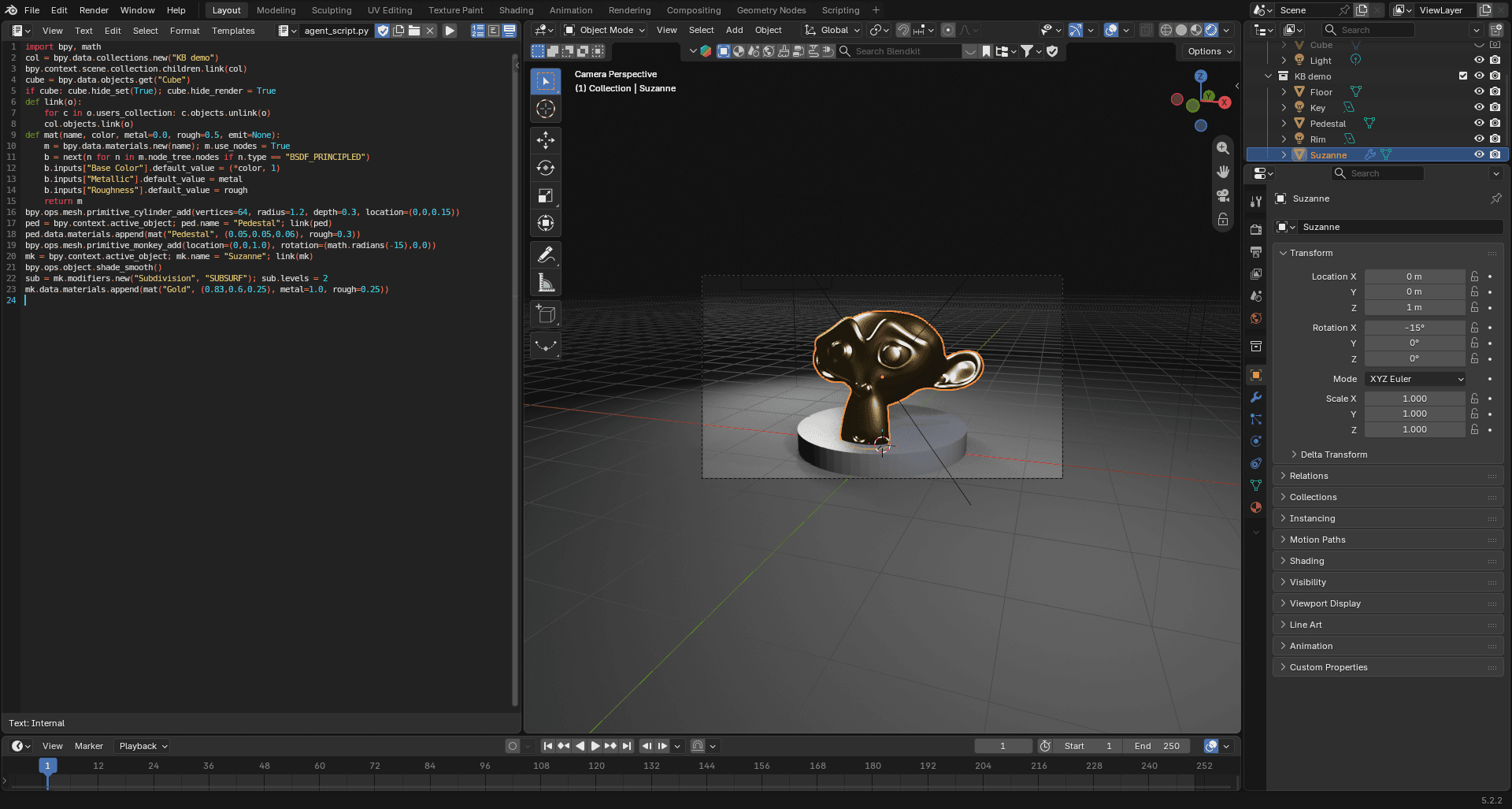
There are three pieces: your AI app, an MCP server, and an add-on inside Blender. Your AI writes Python, the MCP server passes it along, and the add-on runs it in Blender. Both connectors below work this way.
The two connectors
We started with Blender's official one, the Blender Lab MCP Server, and we still use it. Its own examples are about understanding and fixing scenes.
Looking at what else was out there, we found MCP for Blender, an open-source community connector with over 31,000 stars on GitHub. It isn't made by Blender. On top of the basics, it adds:
- Outside stuff. It can pull models and textures from sites like Poly Haven and Sketchfab, and generate 3D models through paid services. We found this mostly hype: free assets you could download yourself, plus hooks into paid tools.
- Guides. A tool that loads workflow know-how for the AI. It's switched off in the current version. Their code says it stays off while they measure how the AI does without it.
Why we run both
The official one has Blender's documentation built in, and it can run Blender in the background without opening it. The community one has neither. The two run side by side without getting in each other's way.
Setting them up
Put both MCP servers on the computer where Blender runs. Our agent runs on a separate server and starts them over SSH, through Tailscale.
- Official: we installed its add-on in Blender, and its MCP server from Blender's source on the Blender computer. We gave the server the path to Blender, so it can run Blender in the background.
- Community: we installed its add-on in Blender, and its MCP server, their mcp-for-blender package, on the Blender computer.
- Turn off the community one's data collection. By default it sends a small anonymous usage record, which its makers say may be used to train AI models. We switched it off.
- Your agent can run anything in Blender. Blender warns that its connector runs the agent's code with no safeguards, and recommends a virtual machine or a computer without sensitive information.