 Cairo 3D
Connect your AI agent to Daz Studio
Why
Our characters are built on Daz's Genesis figures, so we want our AI agents working in Daz Studio too: loading figures, setting up cameras, checking the result. A connector lets your agent drive your open Daz Studio and look at what it did.
How it works
There are three pieces: your AI app, an MCP server, and a plugin inside Daz Studio. The plugin, DazScriptServer, runs a small web server inside Daz Studio that takes DazScript (Daz Studio's scripting language) and sends back the result. The MCP server, daz-mcp-server, turns that into tools your AI can use. Both are open source, from the same GitHub account, bluemoonfoundry. Neither is made by Daz.
The version we installed has 153 tools: scene inspection, morphs, poses, cameras, lights, keyframes and renders. When it doesn't have what you need, your agent can send its own DazScript straight to the plugin.
Setting it up
We put both on the computer where Daz Studio runs. Our agent runs on a separate server and starts the MCP server over SSH, through Tailscale, the same way we connect it to Blender.
- Plugin: with Daz Studio closed, we downloaded the Daz Studio 6 build of the plugin from its v2.9.0 release into Daz Studio's plugins folder. There is a separate build for Daz Studio 4. We use Daz Studio 6 on Windows.
- Auto-start: we switched on the plugin's auto-start setting before opening Daz Studio. Now the server starts on its own whenever Daz Studio opens, about ten seconds after launch.
- MCP server: we cloned daz-mcp-server on the same computer and installed it with uv sync. It finds the plugin and its access key by itself.
- Security: we left the plugin's defaults alone. It only accepts connections from its own computer, and asks for an access key it generates itself. Because the MCP server runs on that same computer, we never had to open it up or move the key anywhere.
- It runs whatever script it's sent. The plugin's settings only limit how big a script can be (1 MB) and how long it can run (30 seconds by default), so give your agent this connection only on a computer you trust it with.
How our agent sees Daz Studio
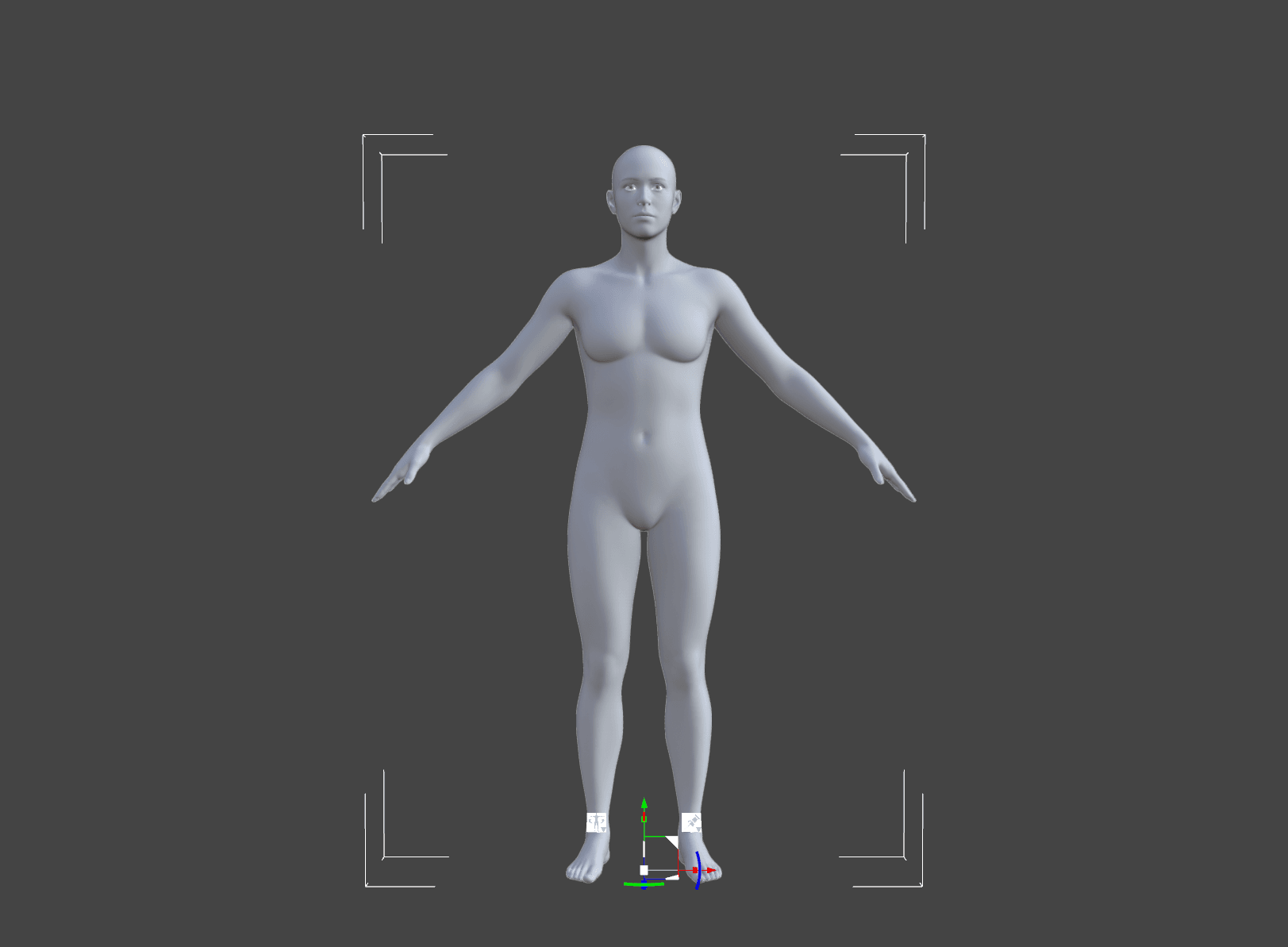
Our agent checks its work with a screenshot of the viewport. It sends a short DazScript: get the active 3D viewport, call captureImage() and save the image. To test the connection, it swapped in Genesis 9, framed it with the MCP's camera tools, and took this shot.
Next
With the connection working, our agent can build in Daz Studio. The first thing it builds is the character: Create a character on Genesis 9.